Step 1 — Connect
We securely connect to the systems your school already uses: student information, admissions, advancement, finance, learning, financial aid, and other relevant sources. The goal is not to make your team learn another data process. It is to bring the context together so the work can get easier.Step 2 — Integrate
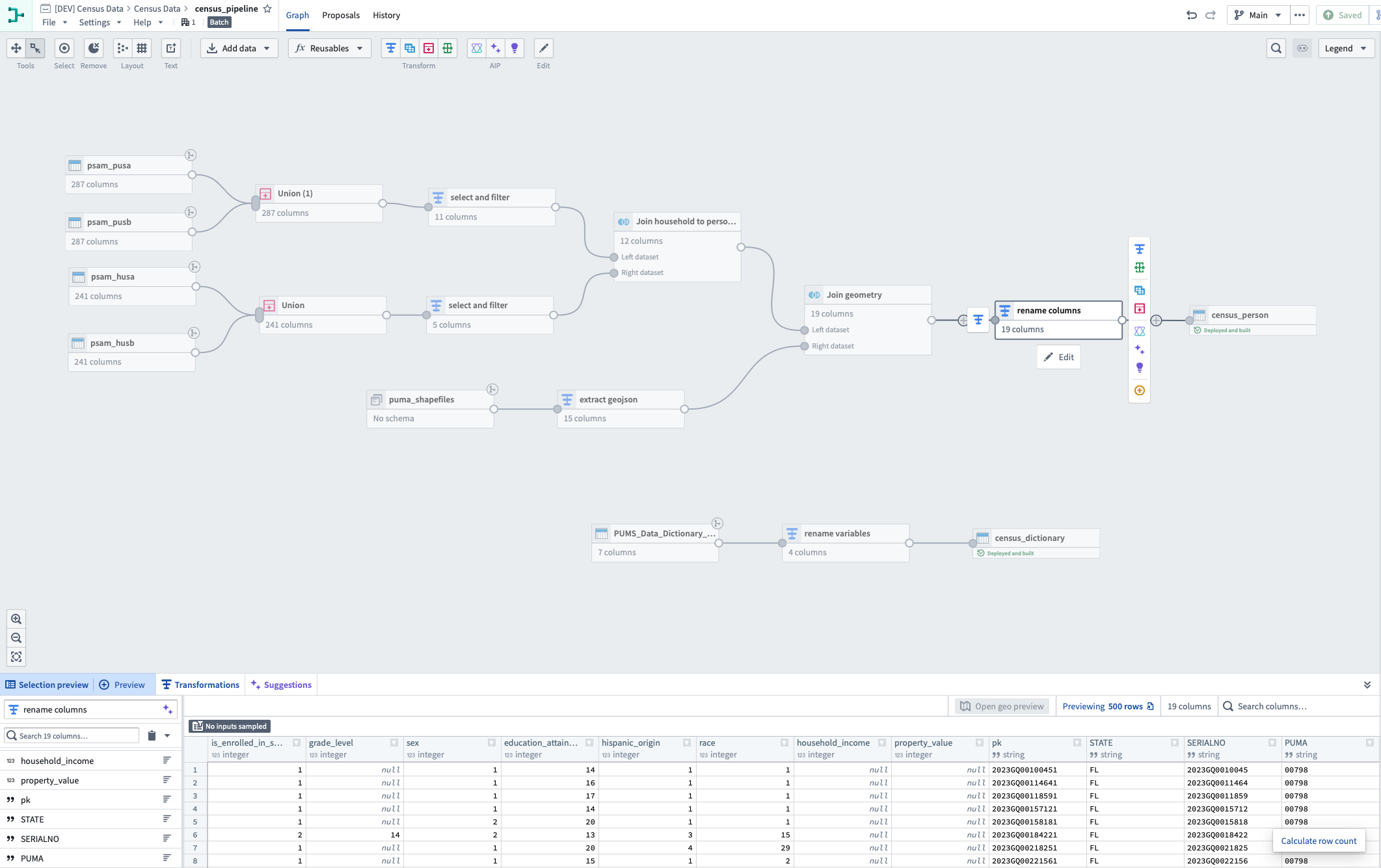
IDP cleans, joins, and models the data around the real objects and relationships that matter in a school: students, families, applicants, donors, courses, gifts, schedules, athletic teams, faculty, etc.. This school-specific foundation is what anchor IDP AI and our OSs to provide powerful, reliable insights and automate tasks.Step 3 — Access
Approved users can ask questions in plain English and receive answers grounded in the connected data they are allowed to see. IDP AI is designed for analysis, follow-up questions, source inspection, summaries, comparisons, and preparation for real work.Step 4 — Deploy OS
Most schools should start with a focused workflow: an enrollment review process, advancement briefing workflow, finance question, scheduling build, or another high-friction office need. IDP configures the operating system around that work in your school so value is visible quickly and specific to your institutions needs.Step 5 - Expand
Once the foundation is in place, schools can add operating systems, data sources, and users as the use cases become clear. The best expansion comes from real work: the repeated questions, reports, meetings, and decisions where connected data keeps proving useful.Timeline
Most schools should expect a focused first launch in weeks, not months, assuming access to the relevant systems and a clearly scoped starting point. More complex operating systems, additional data sources, and broader user groups can expand after the first workflow is live and trusted.
Our process